LenvoAds Display for Google TV and Android TV
Turn Google TV and Android TV screens into managed digital signage. Install the LenvoAds Display app, pair once with your account, and start your playlist - no media player, HDMI stick, or extra hardware required.


Use the TV you already have
Most venues already run Google TV or Android TV in lobbies, cafes, gyms and waiting areas. LenvoAds Display turns that screen into a managed ad surface - without buying players, cables, or separate signage boxes.
- Works on Google TV and Android TV devices
- No extra hardware - app-only deployment
- Remote playlist and schedule control from LenvoAds
- Playback verification and uptime reporting
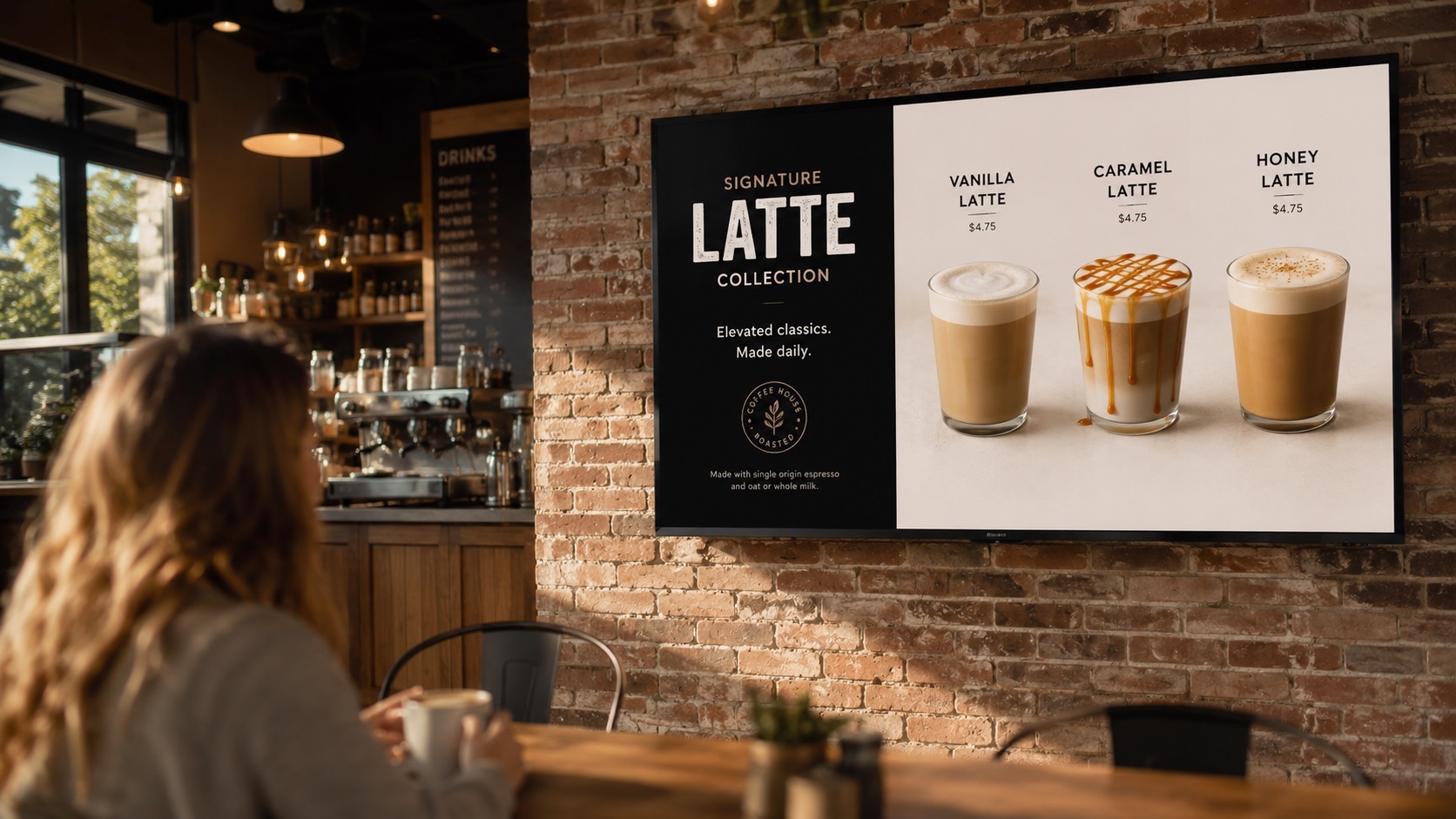
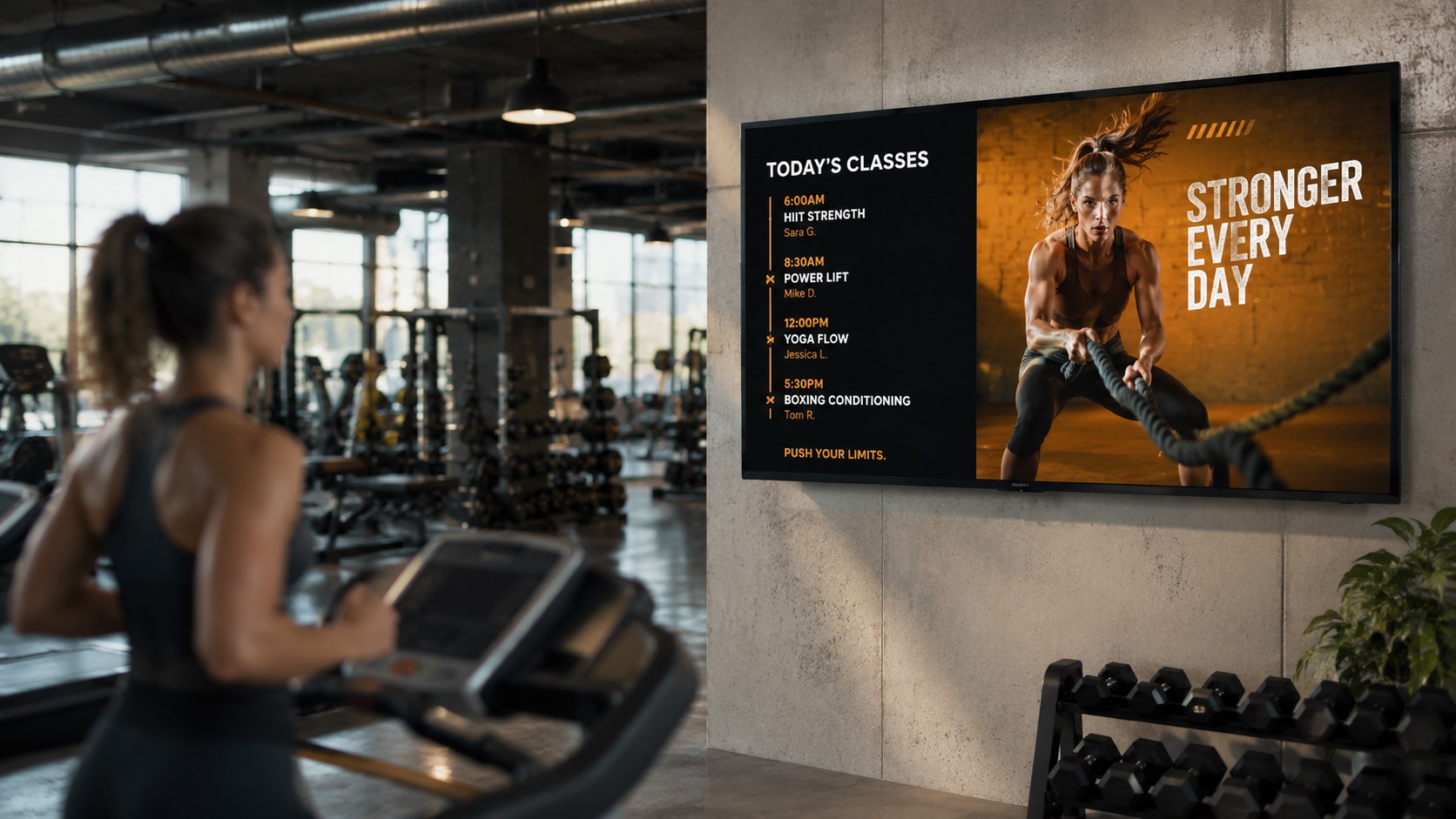
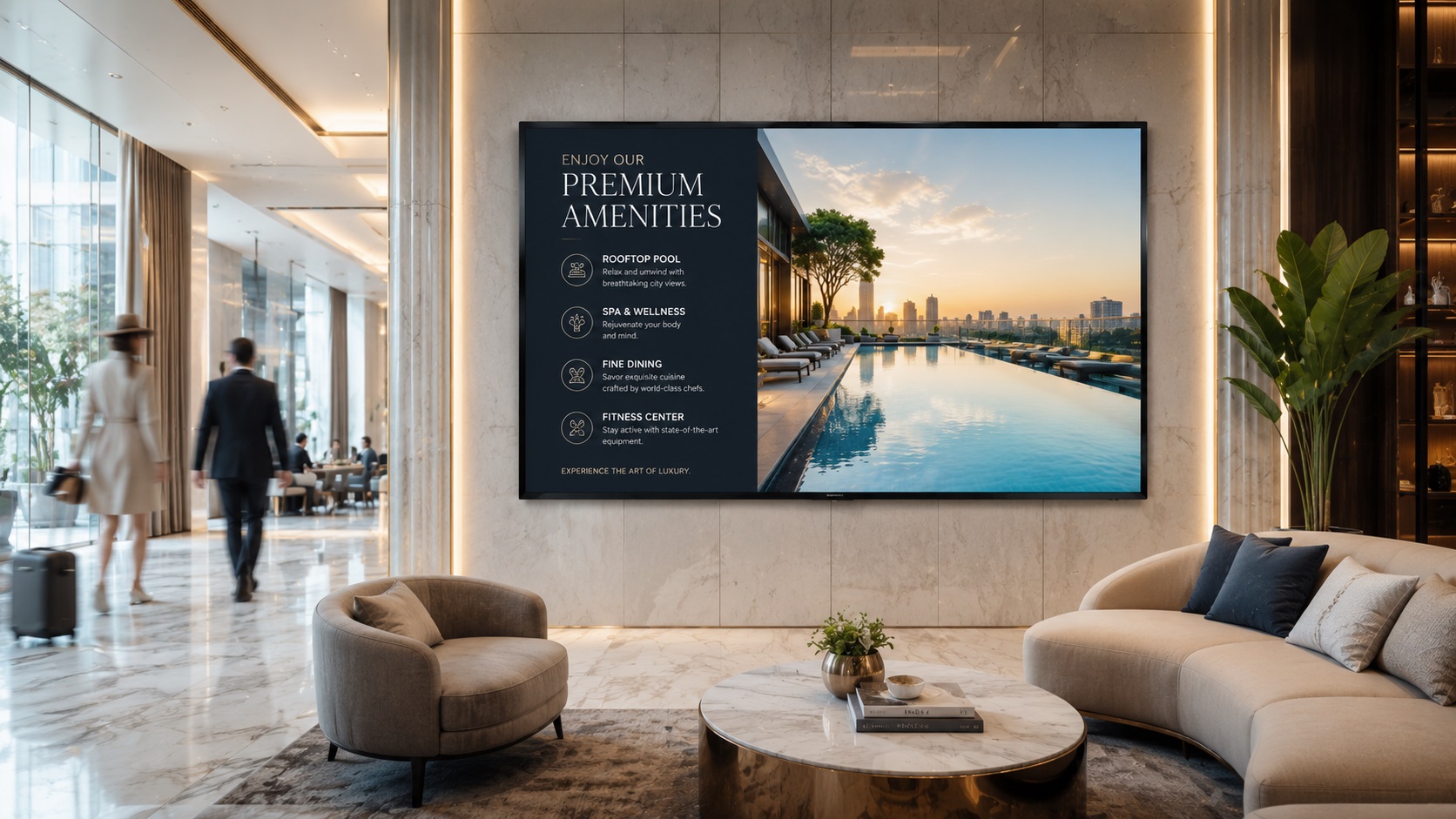
LenvoAds Display in real venues
Menus, class schedules and brand content running on the Google TV and Android TV you already have in your space.
Everything you need on the big screen
One-app setup
Download from the store, sign in, and pair the screen to your venue in minutes.
Google TV & Android TV
Built for TVs and set-top boxes that already run Google TV or Android TV.
Cloud playlists
Push loops, dayparts and campaigns from the LenvoAds console - no USB drives.
Verified playback
Each screen reports plays, completes and online status in real time.
Ideal for venues with a TV on the wall
Any location that already has a smart TV can become part of your screen network.
Cafes & restaurants
Menu boards, promos and partner ads on the dining-room screen.
Gyms & studios
Motivational loops, local offers and brand campaigns during visits.
Lobbies & waiting areas
Hotels, clinics and offices - captive audiences with long dwell time.
Live on screen in six steps
No hardware to buy and nothing to configure on the network. Here is the whole process.
1. Create your account
Register with your Google account in a single step.
2. Install the app
Find LenvoAds Display on Google Play, on the TV itself.
3. Scan the QR code
Pair the screen to your account with the LenvoAds mobile app.
4. Configure the channel
Name the screen and set its industry so you can find it later.
5. Add your ads
Upload images or video, or use text, and set the duration.
6. Build a playlist
Link ads to channels - update once, every screen follows.
Ready to turn your TVs into signage?
Follow the setup guide and be live today, or talk to us if you are rolling out across several sites.